

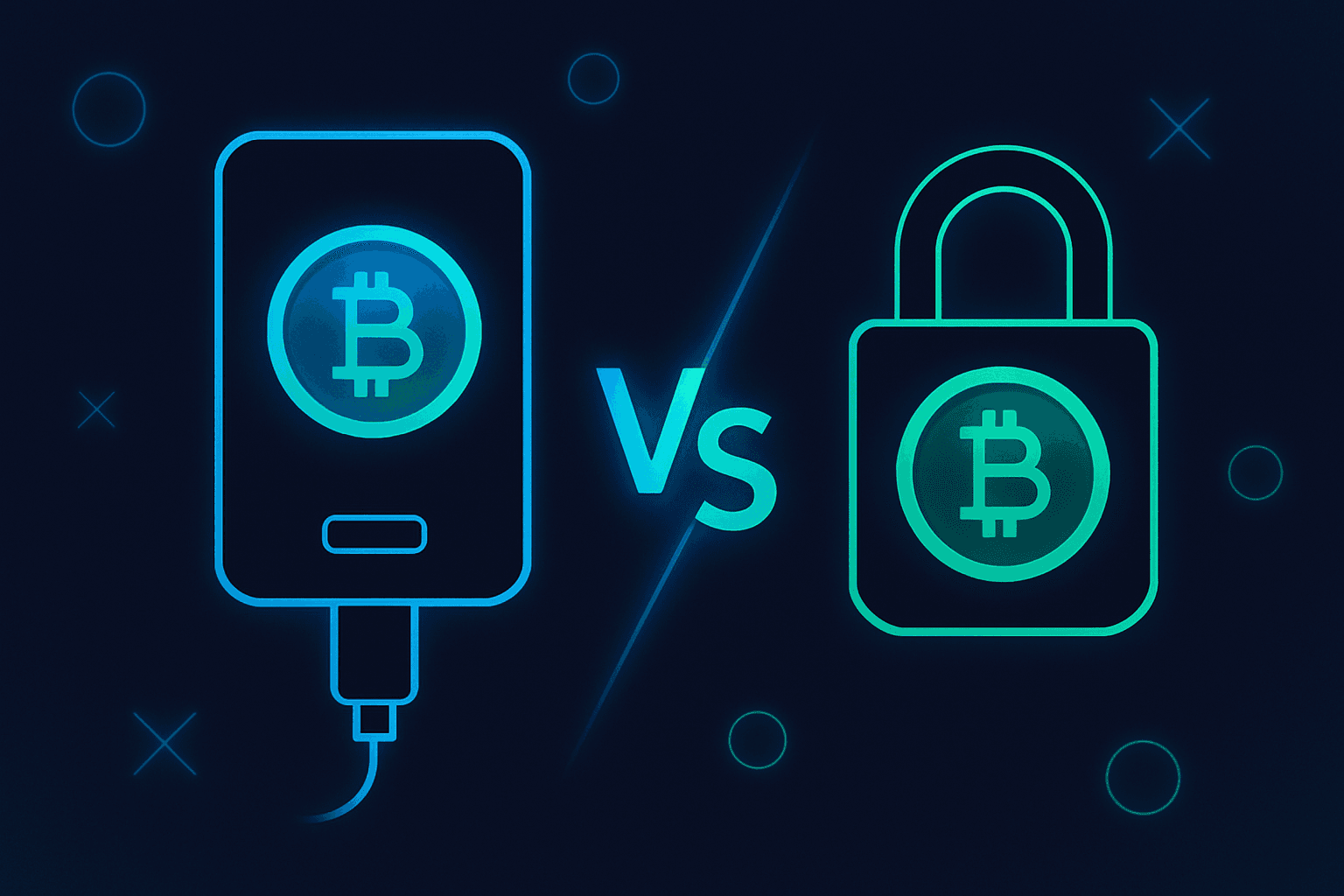
If you have been comparing a hardware wallet vs cold wallet, you are not alone. These terms get mixed together constantly, especially when someone is trying to move beyond keeping crypto on an exchange.
The real problem is not vocabulary. It is knowing what setup protects you from what risk, without turning your first self-custody experience into a stressful security project.
When we walk students through their first wallet setup, the most common mistake is thinking “hardware” automatically means “safe” and “cold” automatically means “complicated.” Neither is quite right. A simple hardware wallet can be a beginner-friendly cold storage crypto setup, but only if the recovery phrase, transaction habits, and backup process are handled carefully.
Hardware Wallet vs Cold Wallet: The Simple Difference
A hardware wallet is a physical device built to store your crypto private keys and approve transactions. A private key is the secret data that allows crypto to be moved from an address. In practice, most users interact with a recovery phrase, also called a seed phrase, which is a list of words that can restore access to the wallet.
A cold wallet is any wallet where the private keys are created and kept offline. “Cold” does not refer to the device type. It refers to the key’s exposure to the internet.
So the cleanest answer is this:
That distinction matters because you can use a hardware wallet poorly. For example, if you type your recovery phrase into a website, cloud note, email draft, or fake support form, your cold setup is no longer meaningfully cold. The danger is not that the device stopped working; it is that the secret was exposed.
What Is a Hardware Wallet?
A hardware wallet is a small physical signing device. Popular models typically connect to a computer or phone by USB, Bluetooth, QR code, or another controlled communication method. The main job is to keep private keys inside the device while allowing you to approve or reject transactions.
Think of it like a secure signing box. Your computer or phone can prepare a transaction, but the hardware wallet signs it internally. The private key should not need to leave the device.
A hardware wallet for bitcoin, for example, does not contain bitcoin in the way a leather wallet contains cash. It protects the key that can authorize spending bitcoin from addresses controlled by that wallet.
What a hardware wallet protects against
A good hardware wallet setup can reduce risk from:
- Malware on your computer trying to steal private keys
- Browser extensions or apps that request unsafe approvals
- Exchange account hacks or withdrawal freezes
- Accidental exposure from everyday internet-connected devices
- Some phishing attempts, if you verify details on the device screen
The key phrase is “reduce risk.” A hardware wallet does not make you immune to scams. If you approve a malicious transaction, send funds to the wrong address, or reveal your recovery phrase, the device cannot magically undo that.
For a deeper security walkthrough, see our guide to hardware wallet security basics.
What Is a Cold Wallet?
A cold wallet is a wallet whose private keys are kept offline. This can be done with a hardware wallet, an air-gapped computer, a paper wallet, a metal backup, or other offline methods.
The defining feature is not that the wallet looks fancy. It is that the secret needed to move funds has not touched an internet-connected environment.
Cold wallets are usually used for long-term holdings, larger balances, or funds you do not need to move often. They are less convenient than hot wallets, but they reduce exposure to online attacks.
A hot wallet is the opposite: a wallet connected to the internet, such as a browser extension, mobile wallet, or exchange account wallet. Hot wallets are useful for small amounts, frequent transactions, and learning. They are not ideal for storing life-changing sums.
Upside / Do this
- Use cold wallets for long-term storage and larger balances.
- Use hot wallets for small, active amounts you can afford to risk.
- Keep the recovery phrase offline from day one.
Downside / Avoid this
- Do not type a cold wallet recovery phrase into any website.
- Do not store seed words in screenshots, cloud notes, or password managers unless you fully understand the tradeoffs.
- Do not assume “offline” helps if your backup is easy to lose or steal.
What Is Cold Storage Crypto?
Cold storage crypto means the broader process of storing access to crypto offline. It includes the wallet, the backup, the physical storage location, and the habits around using the funds.
This is where beginners often overcomplicate things. Cold storage is not a single product. It is a system.
A beginner cold storage system might include:
- A reputable hardware wallet
- A recovery phrase written on paper or stamped into metal
- A private place to store the backup
- A small test transaction before moving a larger amount
- A clear plan for heirs or trusted family members, if appropriate
An advanced cold storage system might include multisignature wallets, geographically separated backups, or dedicated offline computers. Multisignature, often shortened to multisig, means more than one key is required to move funds. It can be powerful, but it also introduces more ways to make a mistake.
For most beginners, the best setup is the one they can understand, test, and maintain.
Hardware Wallet, Cold Wallet, and Cold Storage Compared
Here is the terminology in one place.
| Term | What it means | Internet exposure | Beginner example | Main risk if done poorly |
|---|---|---|---|---|
| Hardware wallet | A physical device that stores keys and signs transactions | Usually low | A device used with a companion app | Revealing the recovery phrase or approving a bad transaction |
| Cold wallet | Any wallet whose keys are kept offline | Low by definition | Hardware wallet stored offline | Losing the backup or misunderstanding how recovery works |
| Cold storage | The full offline storage practice | Low if maintained well | Device + offline backup + test process | Too much complexity, poor physical backup security |
| Hot wallet | A wallet connected to the internet | Higher | Mobile or browser wallet | Malware, phishing, malicious approvals, device compromise |
This table also shows why the phrase “best hardware wallet for beginners” is only part of the question. The best device will not help if the user stores the recovery phrase in a camera roll or rushes through transaction approvals.
Which Threats Are You Actually Protecting Against?
Before choosing a wallet, name the risk you are trying to reduce. Crypto security becomes easier when you stop asking “What is the most secure setup?” and start asking “What am I protecting against?”
Exchange risk
Leaving crypto on an exchange can be convenient. You may get easy login, recovery options, and trading access. But you do not directly control the private keys. If withdrawals are paused, your account is compromised, or the platform has problems, you are dependent on that provider.
This is why many students eventually learn self-custody, which means holding your own keys. If you are new to the broader idea, start with crypto beginners’ first concepts before moving large amounts.
Device and malware risk
A hot wallet on your phone or laptop is exposed to the condition of that device. If the device is infected, unlocked, poorly backed up, or full of risky browser extensions, wallet safety can suffer.
Hardware wallets reduce this by keeping signing isolated. Still, the screen and approval process matter. If the address shown on your computer differs from the address shown on the hardware wallet, trust the hardware wallet screen and stop.
Phishing and social engineering
Phishing means tricking someone into revealing secrets or approving harmful actions. In crypto, phishing often looks like a fake wallet website, fake airdrop, fake support agent, or urgent message telling you to “verify” your wallet.
No wallet can fully protect you from being persuaded to give away your recovery phrase. The strongest rule is simple: your recovery phrase is for wallet recovery only. It is never for customer support, token claims, account verification, or troubleshooting.
Physical loss and inheritance risk
Cold storage shifts risk from the internet to the physical world. Fire, water, theft, forgetfulness, and poor estate planning can all matter.
A paper backup hidden in one location may be simple, but it can be damaged. A metal backup may be more durable, but it still needs privacy. Splitting backups or using multisig may reduce one risk while creating another: making recovery too hard for your future self.
How to Choose the Best Hardware Wallet for Beginners
The best hardware wallet for beginners is not necessarily the most advanced device. It is the one that makes correct behavior easier.
Look for these traits:
- Clear transaction verification — The device should show addresses and transaction details clearly enough for you to check them.
- Reputable track record — Choose a wallet with a long-standing security focus, transparent documentation, and active support.
- Simple recovery process — You should understand how the recovery phrase works before storing meaningful value.
- Coin support that matches your needs — A hardware wallet for bitcoin may be all you need if you only hold bitcoin. If you use multiple networks, check support carefully.
- Good education, not just features — The company should explain risks plainly, not just market the device as “unhackable.”
When we teach this, we encourage students to do a small test first. Set up the wallet, receive a small amount, wipe or reset the device only if you understand the process, and restore it using the recovery phrase. That practice builds confidence before the stakes are higher.
A Simple Beginner Setup That Is Not Overcomplicated
If you are moving from exchange custody to self-custody, keep the first version boring. Boring is good in security.
- 1Choose the wallet — Pick a reputable hardware wallet that supports the assets you plan to hold.
- 2Create the recovery phrase offline — Let the device generate it during setup. Do not photograph it or type it into a computer.
- 3Write and protect the backup — Store the phrase somewhere private, durable, and separate from everyday clutter.
- 4Send a small test transaction — Confirm you can receive funds before transferring more.
- 5Practice recovery safely — Learn the restore process with a small balance so you know what to do later.
This setup is not perfect for every person. But it is understandable, and that matters. Many real crypto losses come from confusion, panic, or improvising under pressure.
If you hold only a small amount, a hot wallet may be enough while you learn. If you hold an amount that would seriously hurt to lose, it is time to learn cold storage properly.
For broader context on threat models, see our explainer on whether bitcoin is safe from hackers.
Common Mistakes Beginners Make
The first mistake is treating the recovery phrase casually. If someone has your phrase, they can usually restore your wallet and move the funds. The device itself is not the only thing to protect.
The second mistake is skipping test transactions. Sending a large amount to a new wallet address before confirming the process creates unnecessary stress. A small test can reveal address mistakes, network confusion, or user error.
The third mistake is confusing privacy with secrecy from yourself. Some people hide backups so well that they cannot find them later. Others create complicated instructions they will not understand in a year.
The fourth mistake is chasing advanced security before mastering basics. Multisig, passphrases, and air-gapped signing can be excellent tools. They can also lock beginners out if used without enough practice.
A passphrase is an optional extra word or phrase added to a recovery phrase to create a different wallet. It can improve security, but if forgotten, it can make funds unrecoverable. Beginners should not use one casually.
Is every hardware wallet a cold wallet?
Usually it is used that way, but the key point is whether the private keys and recovery phrase stay offline. If you expose the phrase online, the cold-storage benefit is damaged.
Is a paper wallet a cold wallet?
It can be, because the key is offline. But paper wallets are easy to damage, misprint, misunderstand, or spend from incorrectly, so they are not usually the simplest beginner choice.
Do I need a hardware wallet for bitcoin only?
Not always. Small learning amounts may be fine in a hot wallet. For larger long-term bitcoin holdings, many people prefer a dedicated hardware wallet for bitcoin.
Can a hardware wallet be hacked?
No system is risk-free. Hardware wallets are designed to reduce key theft, but users can still lose funds through phishing, fake devices, bad backups, or malicious approvals.
Conclusion: Hardware Wallet vs Cold Wallet, Without the Confusion
The hardware wallet vs cold wallet distinction is simple once you separate the tool from the security model. A hardware wallet is a device. A cold wallet is an offline wallet. Cold storage is the full habit and backup system that keeps crypto access away from internet-based threats.
For most beginners, the right next step is not building the most advanced vault possible. It is learning the basics, setting up a reputable hardware wallet carefully, making a small test transaction, and protecting the recovery phrase offline.
If you want a calm, structured path through wallets, keys, and crypto safety, start with CryptoWhat’s free courses here: join the free learning path.
CryptoWhat does not provide financial, investment, or trading advice. All content is for educational purposes only.